
Every in-game icon, as PNG
Over 2,000 images from the latest Minecraft release: inventory items, block textures, effect icons and paintings. Search them by name in English or Spanish.
Every item in the game as it looks in the inventory, plus its textures, effects and paintings as crisp or animated PNGs, and tiled backgrounds for your thumbnails and videos.
Loading icons…
 Shield
 Mace
Mace Crossbow
 Bell
Bell Decorated Pot
 Brewing Stand
 Cauldron
 Conduit
 Lectern
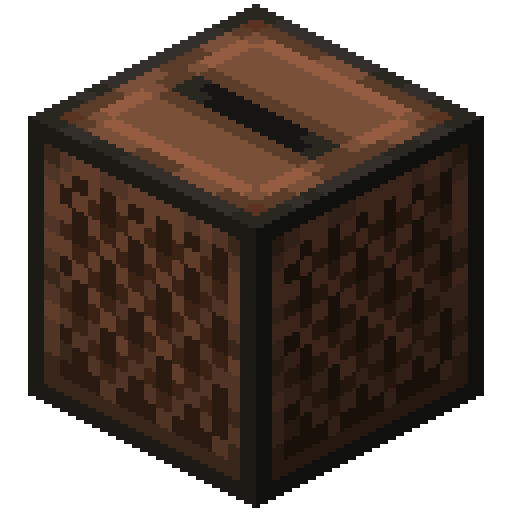 Jukebox
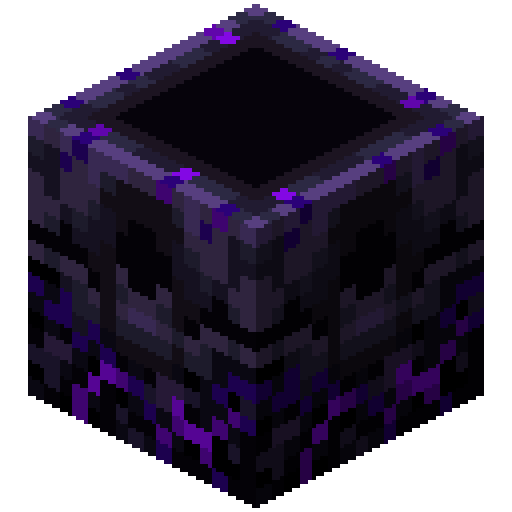 Respawn Anchor
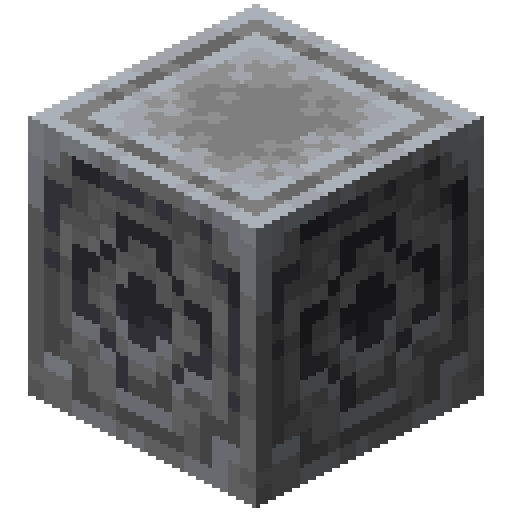 Lodestone
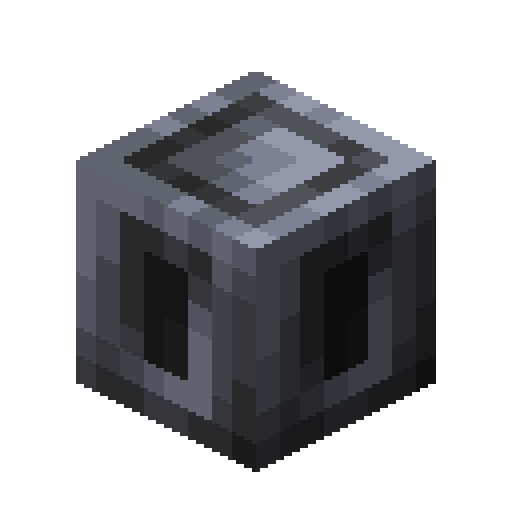 Heavy Core
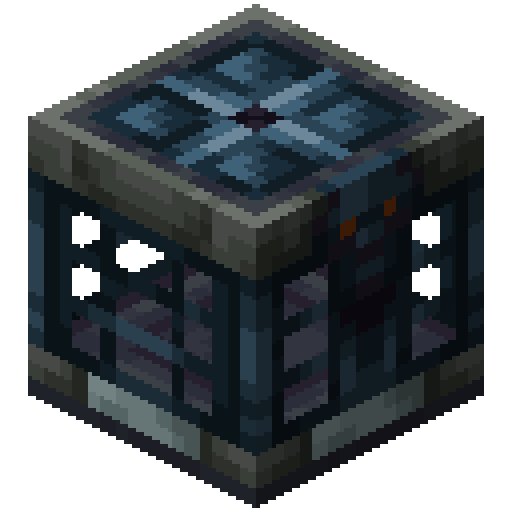 Vault
Vault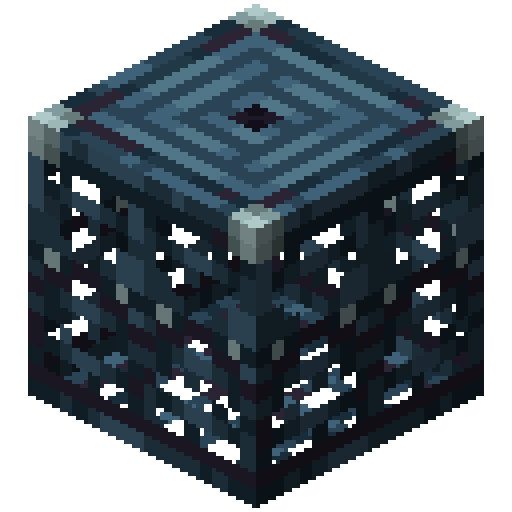 Trial Spawner
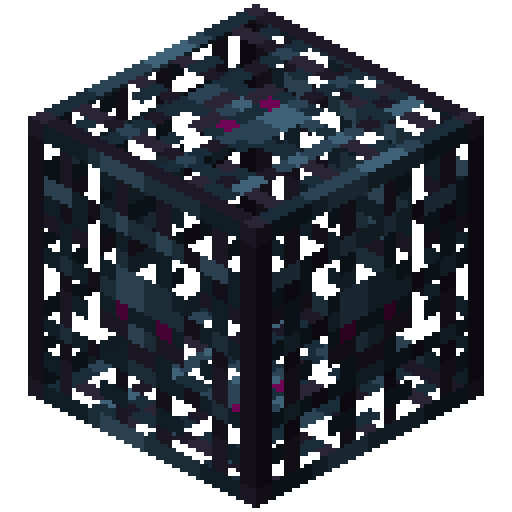 Monster Spawner
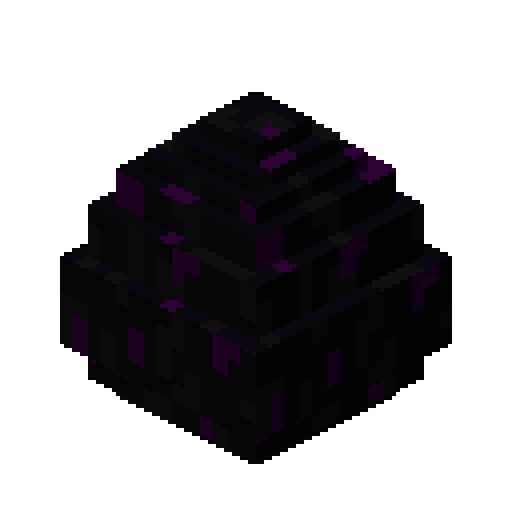 Dragon Egg
 Armor Stand
 Item Frame
 Saddle
 Lead
Lead Name Tag
 Fishing Rod
 Flint and Steel
 Shears
 Brush
Brush Empty Map
 Enchanted Golden Apple
 Piston
 Hopper
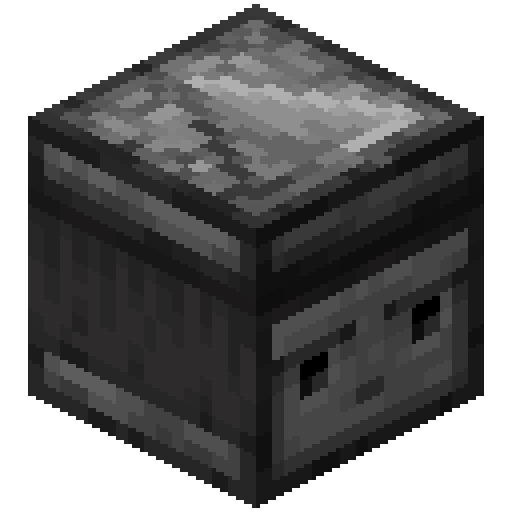 Observer
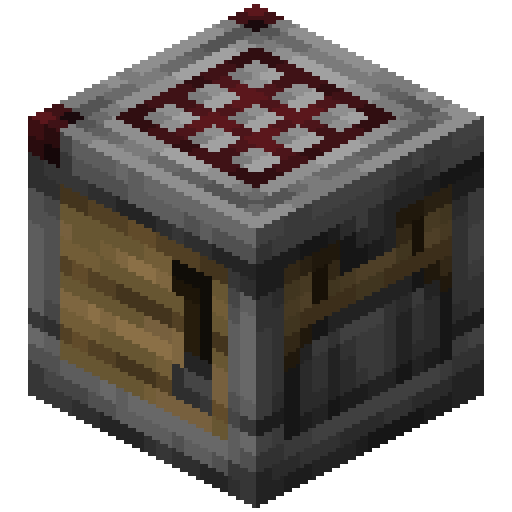 Crafter
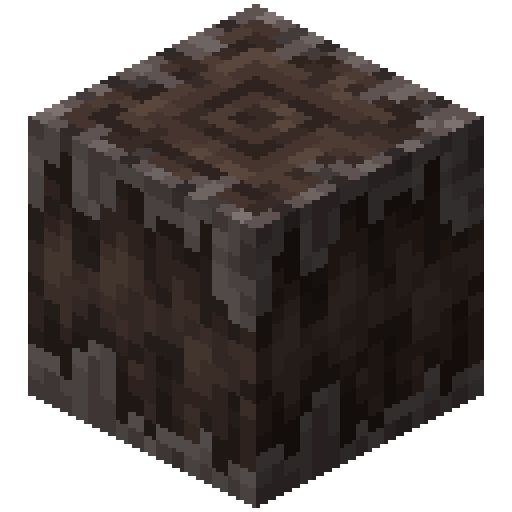 Creaking Heart
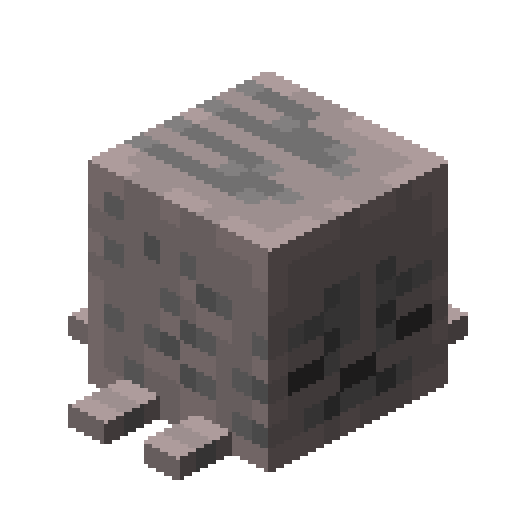 Dried Ghast
 End Crystal
 Wind Charge
 Goat Horn
 Recovery Compass
 Firework Rocket
 Sniffer Egg
 Trial Key
 Scaffolding
 Composter
 Grindstone
 Stonecutter
 Loom
Loom Smithing Table
 Cartography Table
 Fletching Table
 Smoker
 Blast Furnace
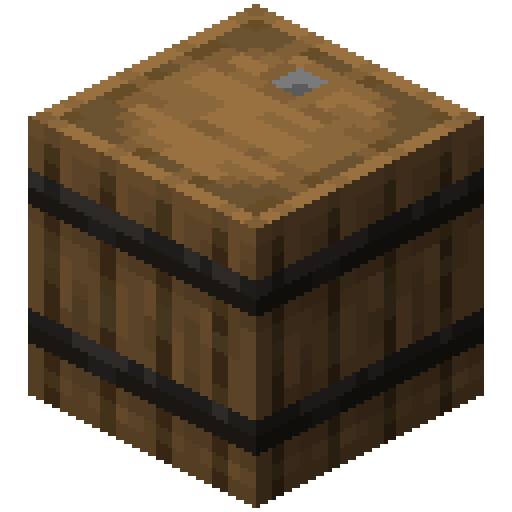 Barrel
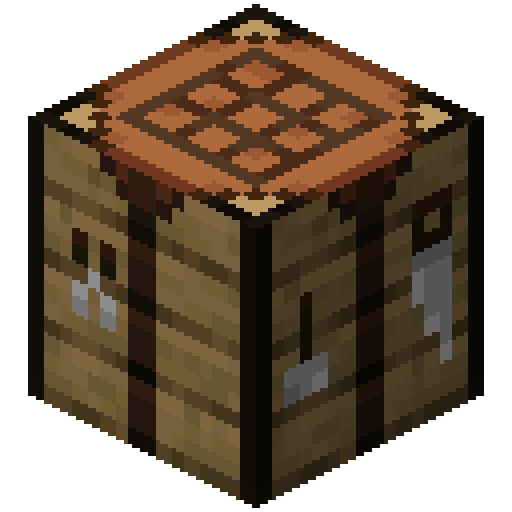 Crafting Table
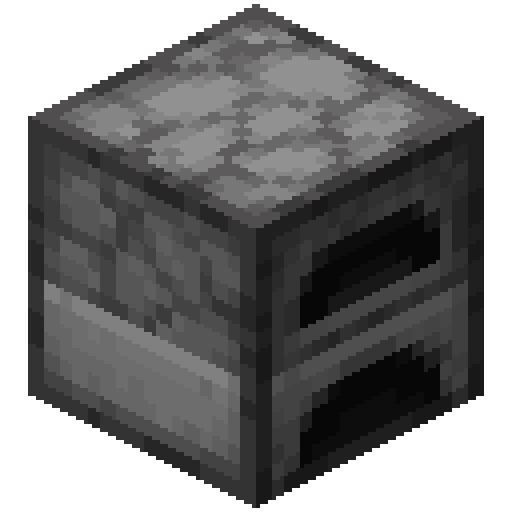 Furnace
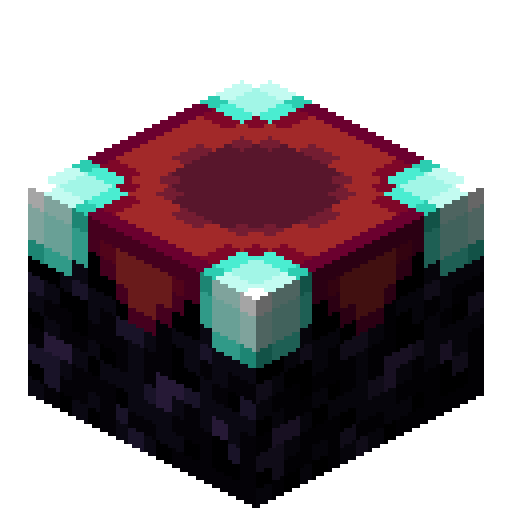 Enchanting Table
 TNT
TNT Grass Block
 Jack o'Lantern
 Bed
Bed Shelf
Shelf Cushion
 Banner
 Shulker Box
 Candle
 Wool
Wool Carpet
 Concrete
 Glazed Terracotta
 Stained Glass
 Dye
Dye Bundle
 Harness
 Chest
Chest Copper Golem Statue
 Spawn Egg
 Potion
 Splash Potion
 Lingering Potion
 Tipped Arrow
 Enchanted Book
 Music Disc
 Mob Head
 Sign
Sign Hanging Sign
 Door
Door Stairs
 Boat
Boat Sword
Sword Pickaxe
 Axe
Axe Shovel
 Hoe
Hoe Spear
Spear Armor
Armor Horse Armor
 Nautilus Armor
 Lantern
 Torch
Torch Anvil
Anvil Campfire
 Pottery Sherd
 Armor Trim Smithing Template
Over 2,000 images from the latest Minecraft release: inventory items, block textures, effect icons and paintings. Search them by name in English or Spanish.
Each icon is scaled by multiplying its pixels by a whole number, so at 1024 px every in-game pixel is a perfect square. No soft edges, no smudging.
Pick one or more blocks and build a repeating background with spacing, colour and a looping animation. Export 16:9, 9:16 or square, up to 8K, as PNG, JPG or WebP.
Each in-game pixel is multiplied by a whole number (4×, 8×, 16×…) with no smoothing. A 16 px icon at 64× comes out at 1024 px, with every pixel turned into a perfect 64 × 64 square.
Yes. Icons are cut out exactly as they are in the game; the checkerboard in the preview only shows where the transparency is.
Yes. The list comes from the game data itself, so a new item shows up even before it has an inventory render: until then it uses its texture or 3D block, and its panel says so.
Items are each object exactly as it looks in the game inventory: the whole bed, the stairs and the chest in 3D, the sword side-on. Textures are the loose images the game paints blocks with: the top of the bed, the side of the chest… They are what you need for a resource pack.
The latest stable Minecraft Java release, shown under the tool. We update them when a new one comes out.
In Backgrounds pick a block, set the size and darken it a bit so your text reads on top. Export 16:9 for YouTube, 9:16 for Shorts and TikTok, or square, up to 8K.
Yes. In the icon panel switch to Animation, pick how it comes in (pop, drop, spin…), what it does on screen and how it leaves, then download a MOV with transparency to put over your video, or an MP4 with a chroma, black or white background.
Yes, to both the PNG and the video. The shadow can be soft, hard (the game’s pixel step) or a glow in any color. The shine is a band of light sweeping across the icon, like After Effects’ CC Light Sweep, in white, gold or the purple of enchanted items.
Yes. In Backgrounds switch to Items and tap the ones you want: mix up to 8 blocks and items. Set the spacing and the background color (or leave it transparent), and animate it to download a looping video.
The textures belong to Mojang. Their guidelines allow using them in videos and content about Minecraft; you just cannot sell them or pass them off as an official product.