
Minecraft Sword PNG: every variant
All 7 Sword variants in Minecraft 26.3, as they look in the inventory, each one as a transparent PNG. Pick the one you want in the panel and download it at the size you need. In the creative inventory it sits in the “Combat” tab.
 See every Minecraft icon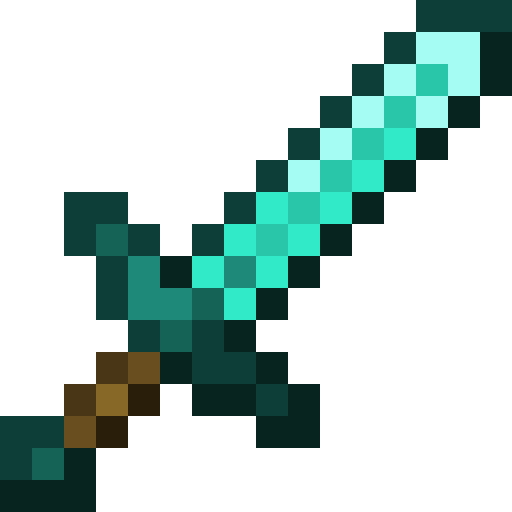
Diamond SwordVariants · 1/7
What it is for
The Sword icon shows up in YouTube thumbnails, Shorts covers, stream overlays, server banners and posts about Minecraft. With a transparent background it drops onto any image with nothing to cut out.
Sizes and quality
The Sword render is 128 × 128 pixels, the size the game draws the item at in the inventory. It scales up by whole numbers to 1024 px with no interpolation, so the edges stay sharp.
Open in the icon editor
In the full tool you can add a shadow or shine, animate it as a video or use it for a tiled background, alongside the game’s 1,700+ items.
Open in the icon editorAll 7 Sword variants
Each variant has its own 512 px transparent PNG. Tap its name to open it, or pick it in the panel above to download it at another size.
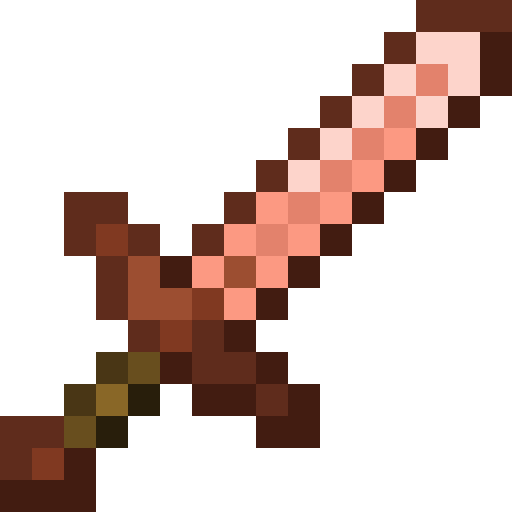 Copper Sword
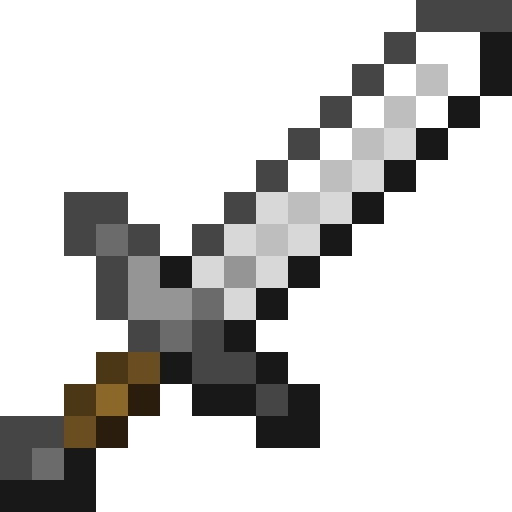 Iron Sword
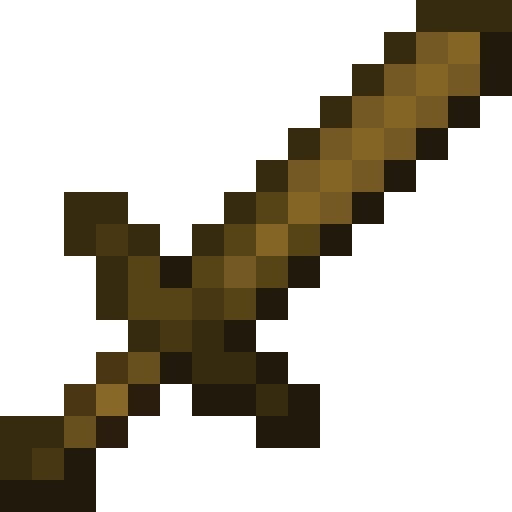 Wooden Sword
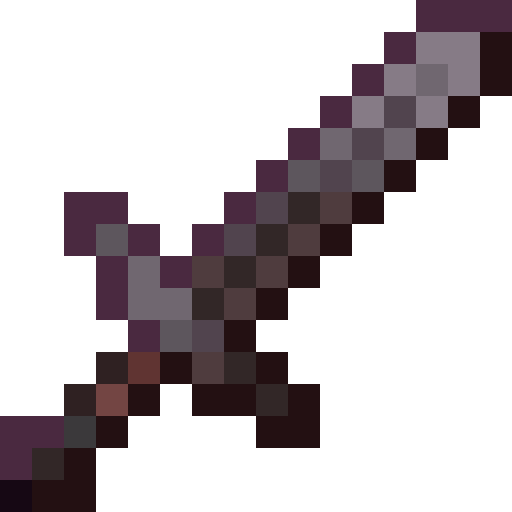 Netherite Sword
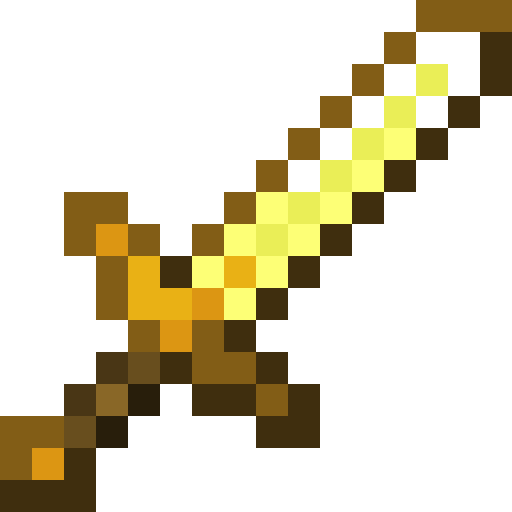 Golden Sword
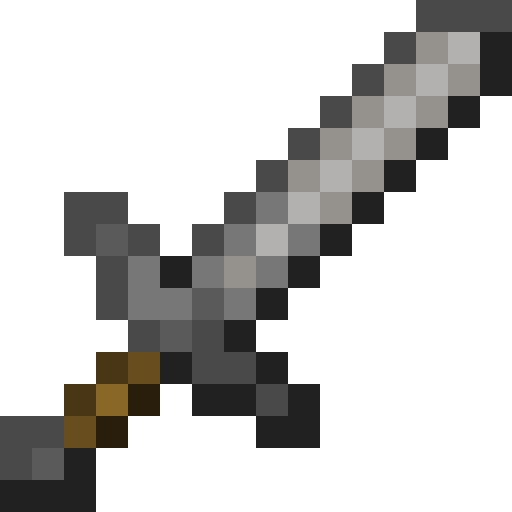 Stone Sword
How to get Sword
Crafted on the crafting table in this shape:
Recipe and drops taken from the Minecraft 26.3 data pack.
Sword stats
- Durability
- 1561 uses
- Damage
- 7
- Attack speed
- 1.6/s
- Stacks to
- 1
- Enchantability
- 10
Sword enchantments
These are the ones it takes, with their maximum level. Anything else cannot go on it, on the table or the anvil.
- Bane of Arthropods up to 5
- Curse of Vanishing up to 1
- Fire Aspect up to 2
- Knockback up to 2
- Looting up to 3
- Mending up to 1
- Sharpness up to 5
- Smite up to 5
- Sweeping Edge up to 3
- Unbreaking up to 3
What you make with Sword
It goes in as an ingredient in these recipes.
- Netherite Sword
Other icons people look for
Minecraft 26.3 textures. Minecraft is a trademark of Mojang Studios; CreativeStar is not affiliated with it and the textures are theirs.